86TR3E
86″ Interactive Digital Board TR3E Series
Key Features
- Brightness(Typ.): 410 cd/m²
- Touch Type: InGlass™
- Multi touch point: Max 20 Point
- Interface: HDMI (3), DP, DVI, RGB, RS232C, RJ45, USB (2), OPS USB, Touch USB (2), Wi-fi Built-in
Contact us
GGEAR Commercial


Be Smarter and Simpler with LG IDB
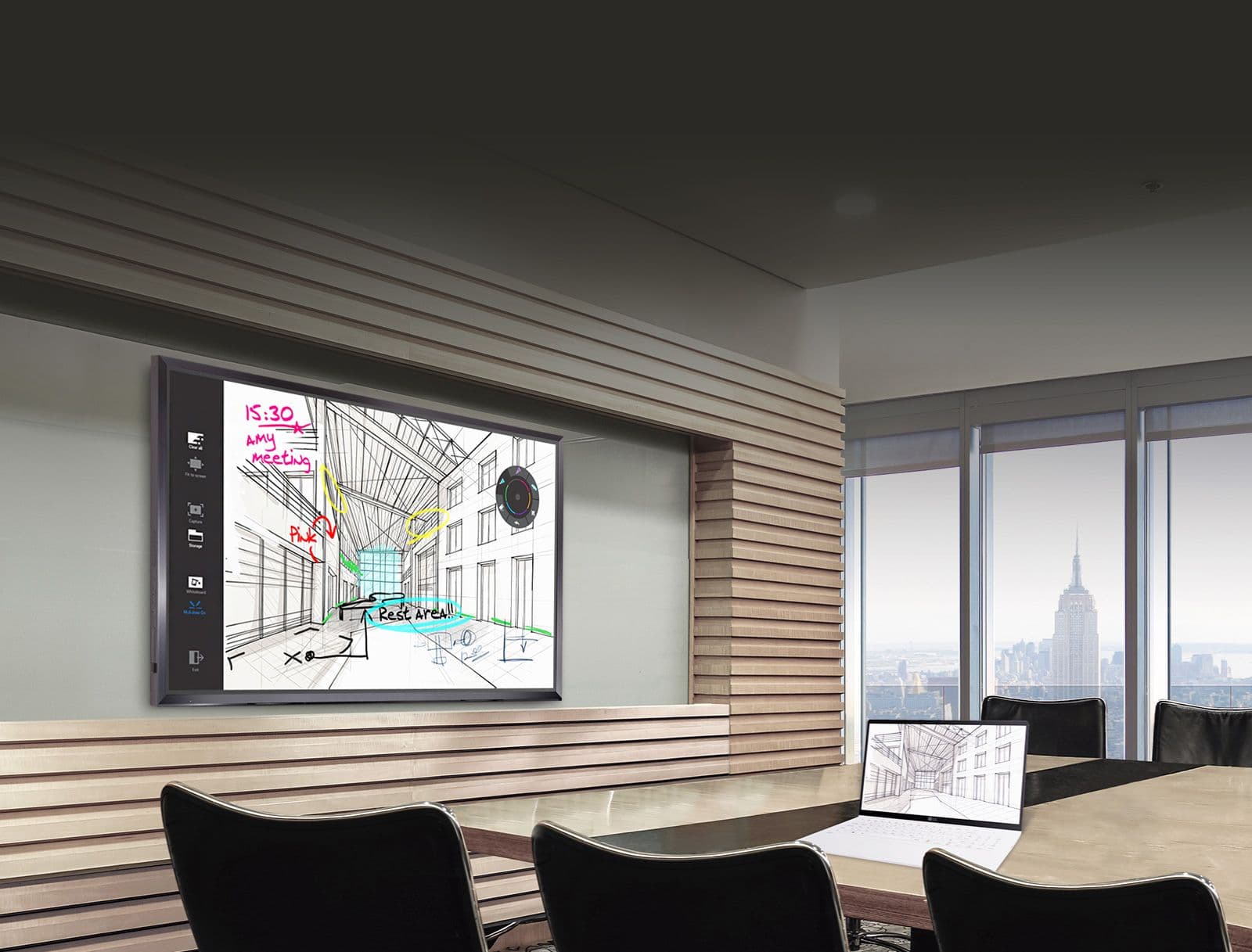
Be Smarter and Simpler with LG IDB
Intuitive Touch and Writing

Intuitive Touch and Writing
All-in-One Meeting Experience
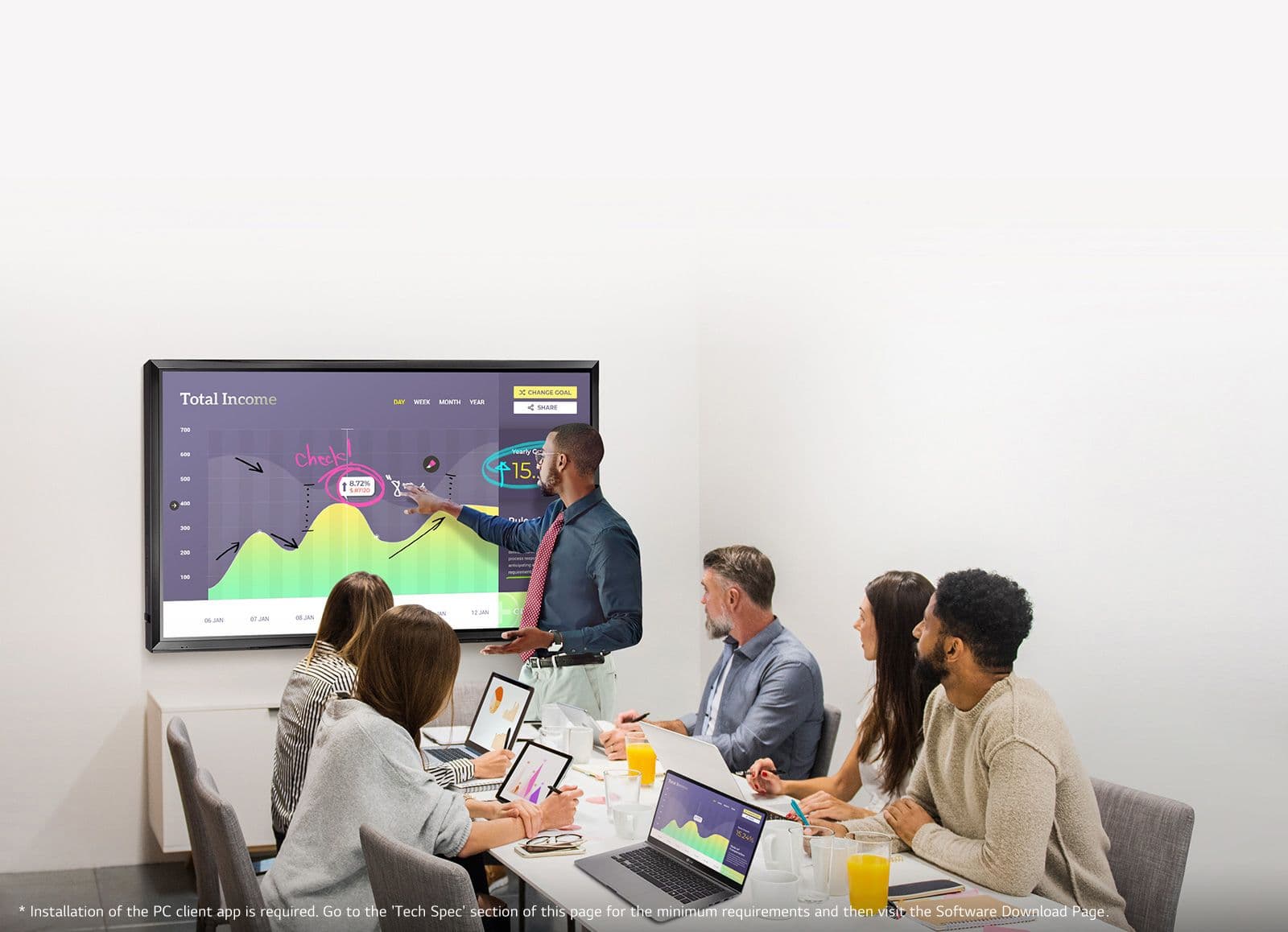
All-in-One Meeting Experience
The Superior Picture Quality

The Superior Picture Quality
True Colors and Wider View

True Colors and Wider View

Quick and Easy to Share a Screen
Depending on the content, the color temperature of the screen can be easily adjusted by users with a remote control. Also, the settings for tile mode and white balance become more convenient because the dedicated menu is specialized based on the visual guide.
Easy to Call and Control the Menu
For improving user-friendliness, LG IDB users can run the desired function or change the setting from anywhere by softly pressing the screen to call up the Touch Menu.
* The menu design(GUI) is subject to change without notice

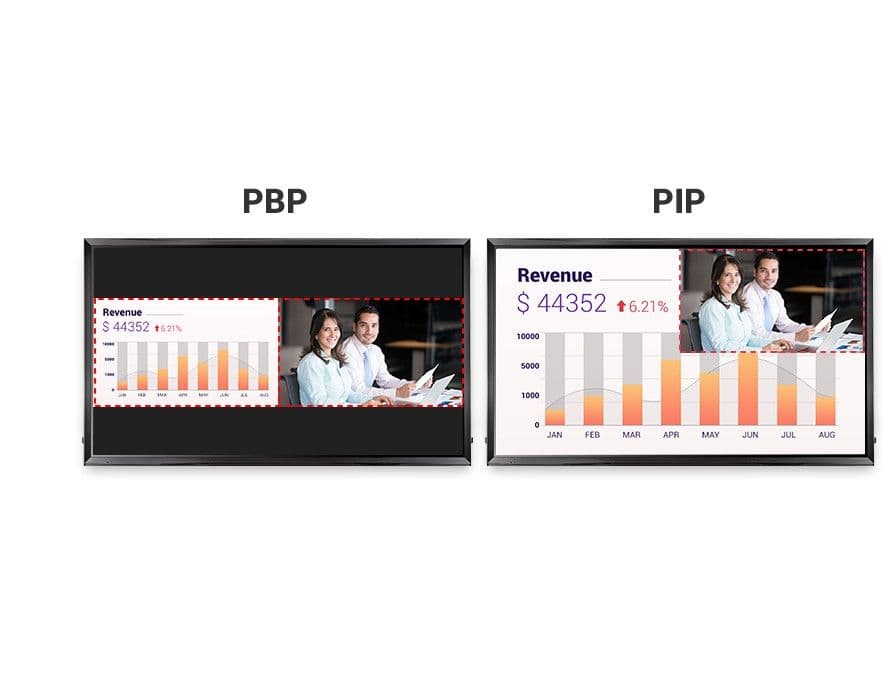
Enjoy Multi Screens
PBP/PIP enables two different content sources to be displayed in various layout settings including full screen, original ratio, and sub screen modes. This gives great flexibility to users to allocate space for each content source.PBP/PIP enables two different content sources to be displayed in various layout settings including full screen, original ratio, and sub screen modes. This gives great flexibility to users to allocate space for each content source.
Screen Size
86"
Brightness(Typ.,cd/m²)
410
Input
HDMI (3), DP, DVI-D, RGB, Audio, USB 3.0, USB 2.0, OPS USB 2.0
Output
Touch USB 2.0 (2)
Bezel Width
50.7 mm (T/L/R), 62.2 mm (B)
Weight (Head)
85.8 kg
Packed Weight
114.6 kg
Monitor Dimension (W × H × D)
2,026.9 x 1,180.3 x 79.5 mm (w/o Handle)
VESA™ Standard Mount Interface
600 x 400 mm
Carton Dimensions (W x H x D)
2,190 × 1,470 × 371 mm
ErP / Energy Star
Yes (EU Only) / No
Operation Temperature
0°C to 40°C
Operation Humidity
10 % to 80 %
Content Management Software
SuperSign Premium
Control and Monitoring Software
SuperSign Link
OS (Windows 32bit or 64bit)
Windows 7, Windows 10
Memory
4GB RAM
Graphics Hardware (Windows)
Intel Iris or higher, Nvidia, ATI
CPU (Windows)
2.7GHz+ Dual Core Broadwell or higher
OS (macOS)
macOS 10.12 Sierra, MacOS 10.13 High Sierra
CPU (macOS)
Any CPU which supports Sierra or High Sierra
Hard Drive
1GB of free space
Graphics Hardware (macOS)
Any GPU which supports Sierra or High Sierra
Basic
Remote Controller (include battery 2ea), Power Cord, QSG, HDMI (3M), Regulation Book, Phone to RS232C Gender, Touch Pen (2ea), Eyebolt (2ea)
Optional
OPS Kit (KT-OPSA)
Touch type
InGlass™
Accuracy
2 mm
Protection Glass Thickness
4T (Anti-Glare)
Available object size for touch
more than Ø 3 mm
Interface
USB 2.0
Multi touch point
Max 20 Point