1. |
  2. Information Display|
  3. LBAE026
  1. Home|
  2. GGEAR Commercial|
  3. Information Display|
  4. LBAE026

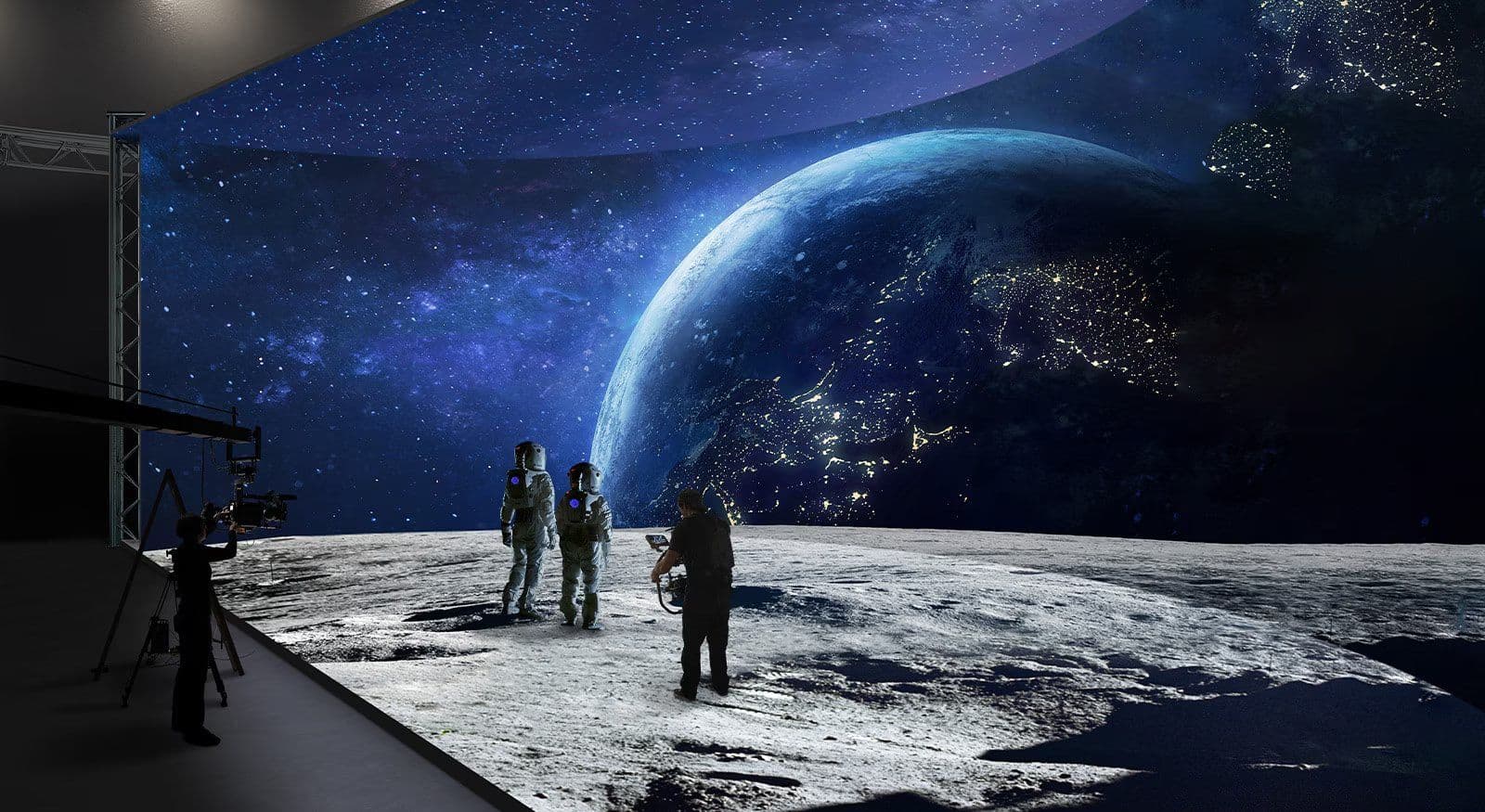
LED Display for Virtual Production

Share:

LBAE026

LED Display for Virtual Production

Key Features

  • Pixel Pitch: 2.60 mm
  • Brightness: 1,500 nit
  • Easy Installation and Maintenance
  • Front or Rear Serviceability
  • Curve Effect Available
  • Stacking & Hanging System Available

Contact us

GGEAR Commercial

image
image

LED Display for Virtual Production

Banner Image

Easy Installation & Maintenance

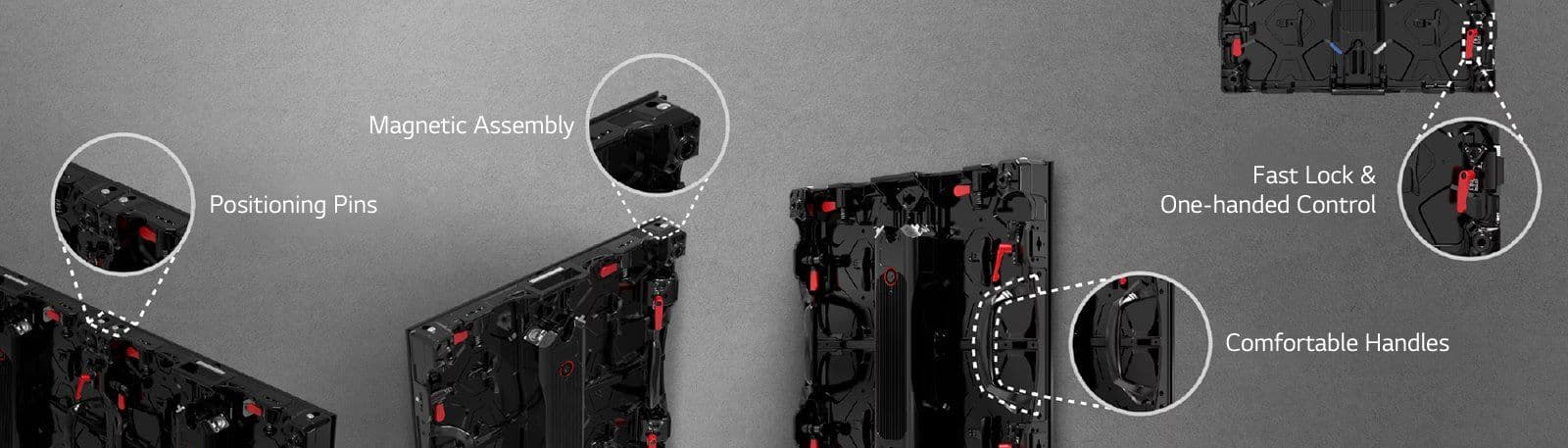
The module can be easily removed using the dedicated tool (with front or rear selective service access). The positioning pins and magnets help perform panel adjustments accurately and quickly, ensuring seamless screen assembly.
Banner Image

Curve Effect Available

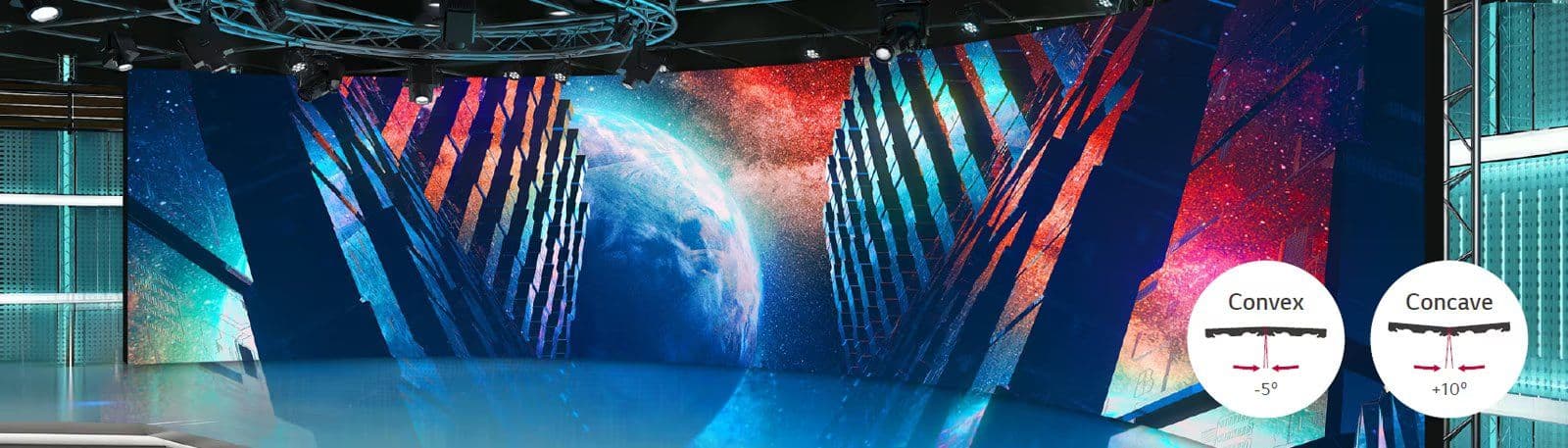
The mechanical connection between the two panels is secured by an angle adapter system and a fast lock, adjustable by 10 degrees in concave areas and 5 degrees in convex areas.
Banner Image

Stacking & Hanging System Available

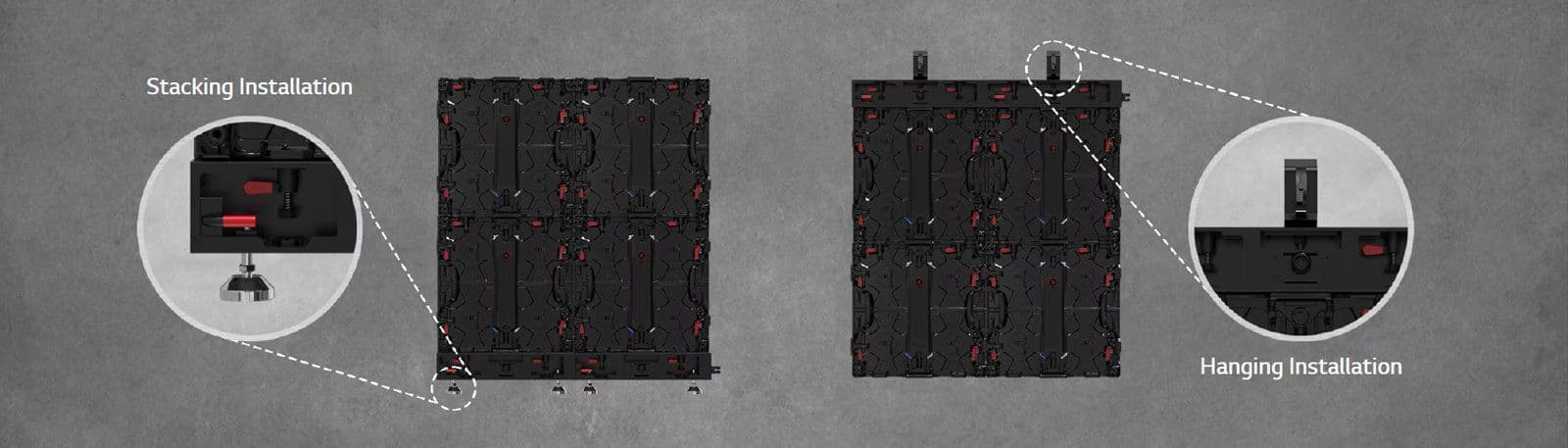
Installation can be performed by stacking or hanging, using the optional accessories (single, double, triple beams) for customization to the studio environment.
Banner Image

Broadcast Quality Available

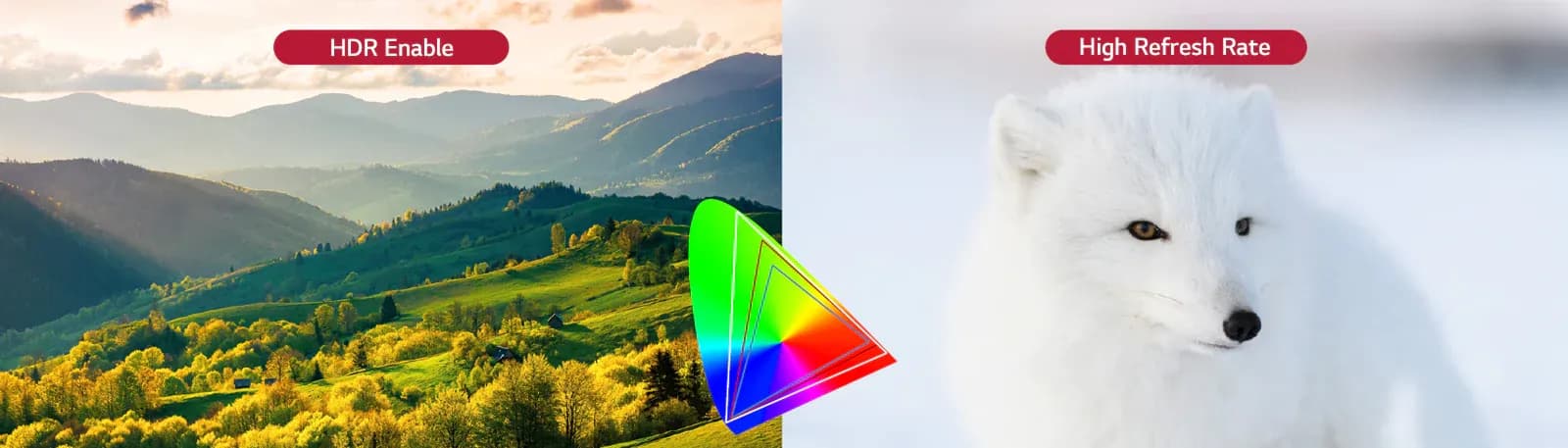
Accurate color reproduction, low latency of video processing, and HDR capability.
Banner Image

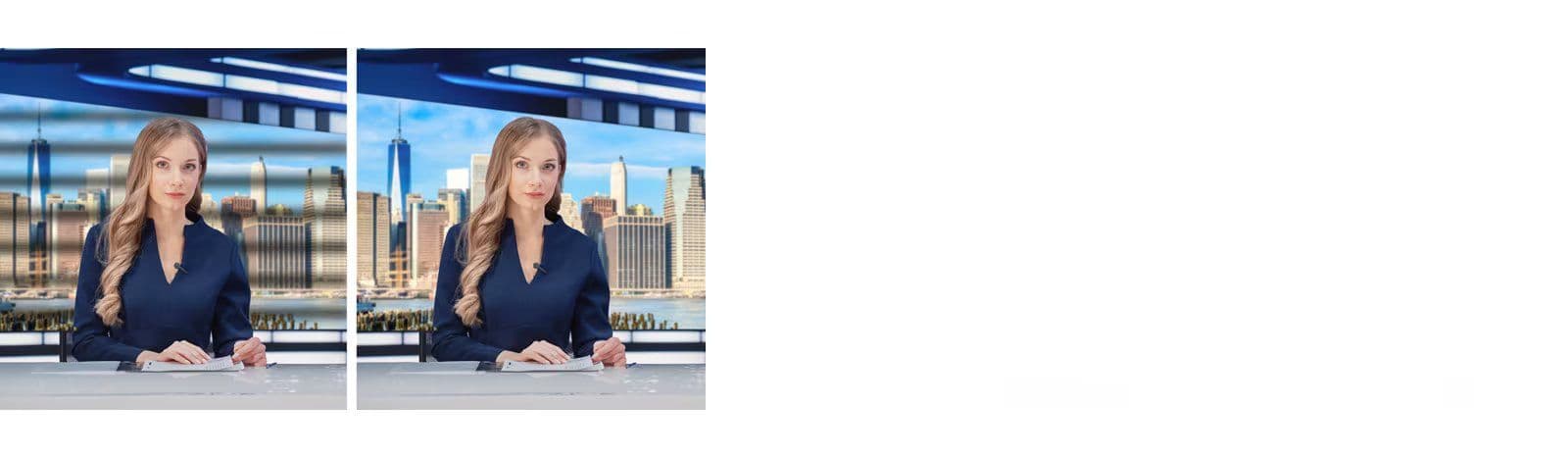
CamSync

The flow of black lines can be prevented by adjusting the LED display’s V-Sync to match the frequency between the camera and LED. This can reduce a rolling shutter effect while the camera is shooting.
CamSync

CamSync

The flow of black lines can be prevented by adjusting the LED display’s V-Sync to match the frequency between the camera and LED. This can reduce a rolling shutter effect while the camera is shooting.

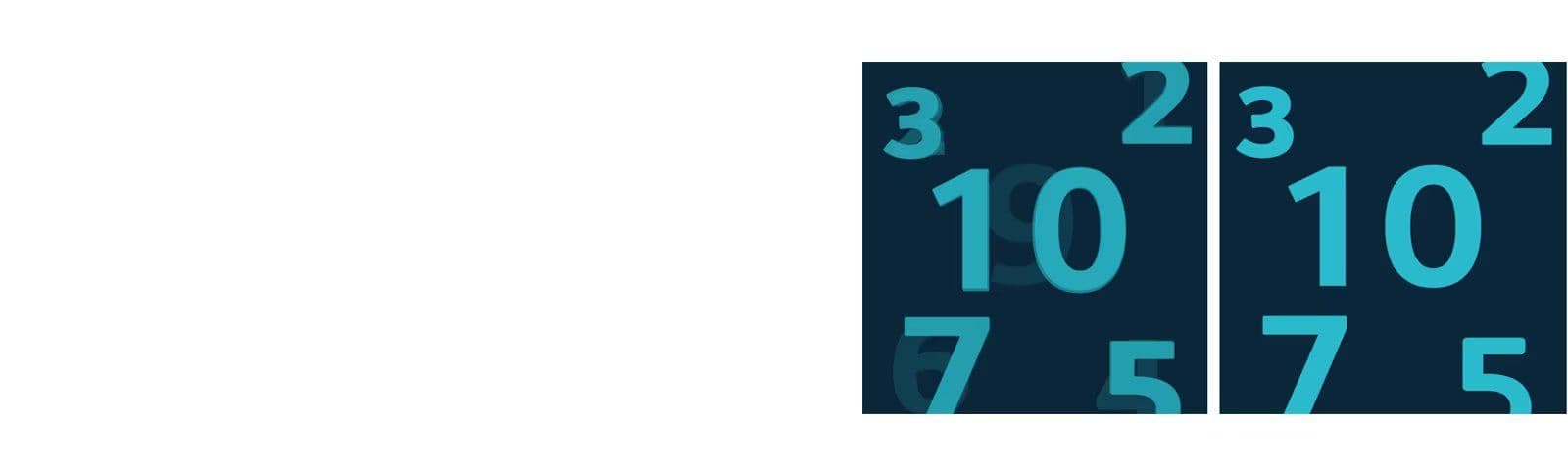
Phase Shift

Phase Shift can make adjustments to the LED screen output timing. The LED screen can adjust timing manually to remove visual artefacts with Phase Shift if the camera recording results have caused a double image (double frame).
Phase Shift

Phase Shift

Phase Shift can make adjustments to the LED screen output timing. The LED screen can adjust timing manually to remove visual artefacts with Phase Shift if the camera recording results have caused a double image (double frame).

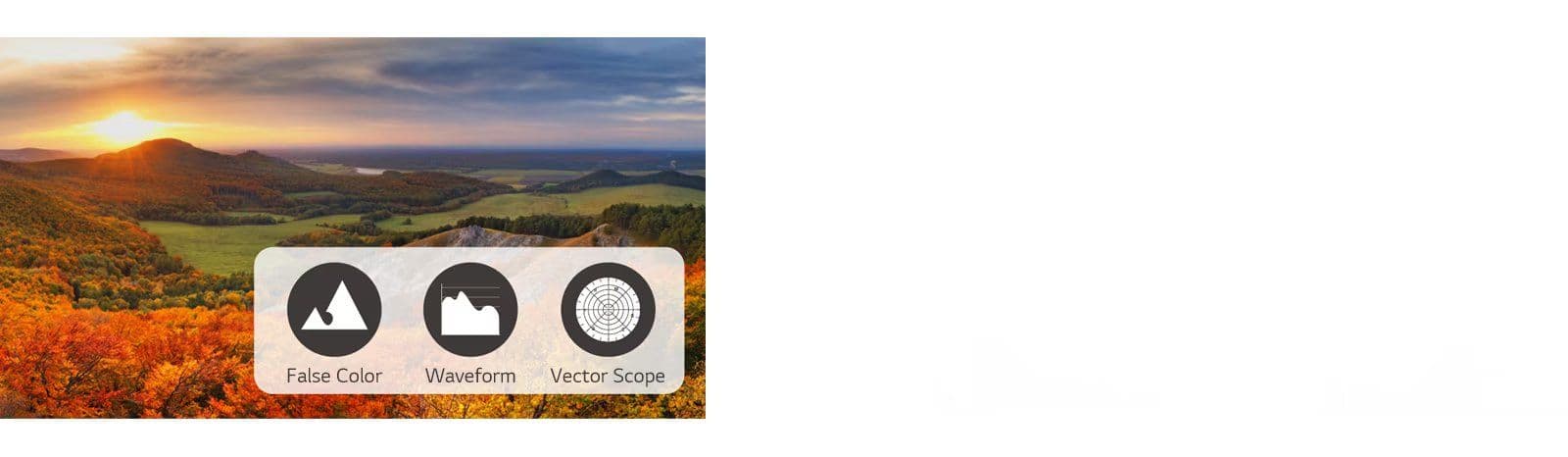
Detailed Analysis of Video Signals

The LBAE series analyzes video input of Y’, Y’-Cb, and Y’Cr and shows Waveform and Vector Scope on LED tiles. False Color, Waveform, and Vector Scope for more video details or adjustments can be read on a display.
Detailed Analysis of Video Signals

Detailed Analysis of Video Signals

The LBAE series analyzes video input of Y’, Y’-Cb, and Y’Cr and shows Waveform and Vector Scope on LED tiles. False Color, Waveform, and Vector Scope for more video details or adjustments can be read on a display.

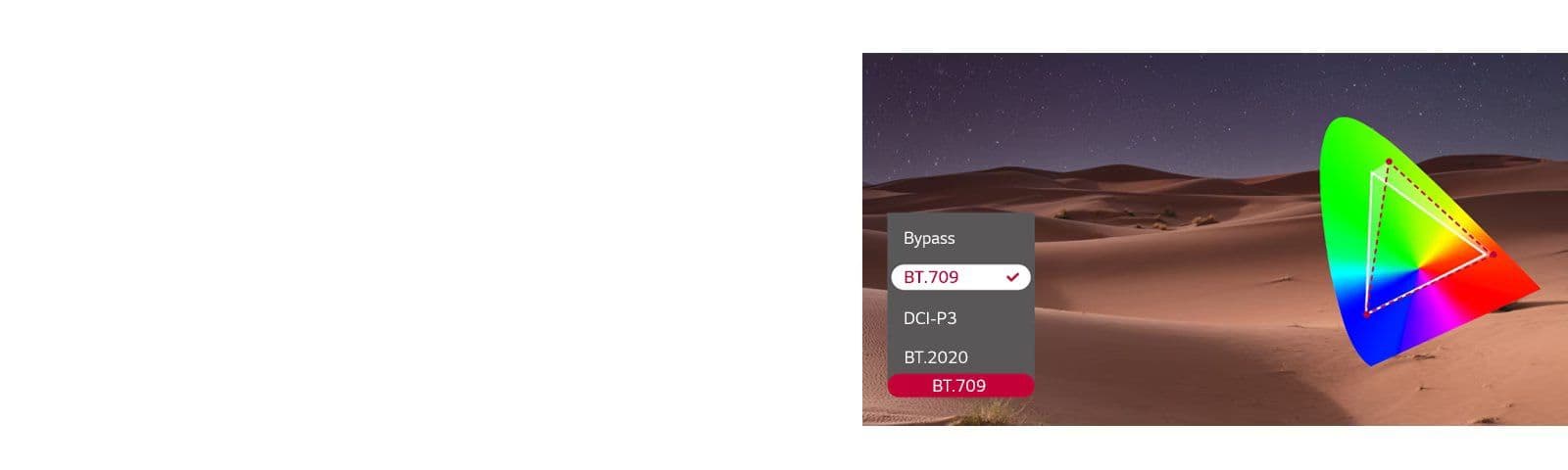
Color Gamut Adjustment

The RGB color gamut can be manually adjusted to match colors between LED tiles and camera to achieve desired colors.
Color Gamut Adjustment

Color Gamut Adjustment

The RGB color gamut can be manually adjusted to match colors between LED tiles and camera to achieve desired colors.

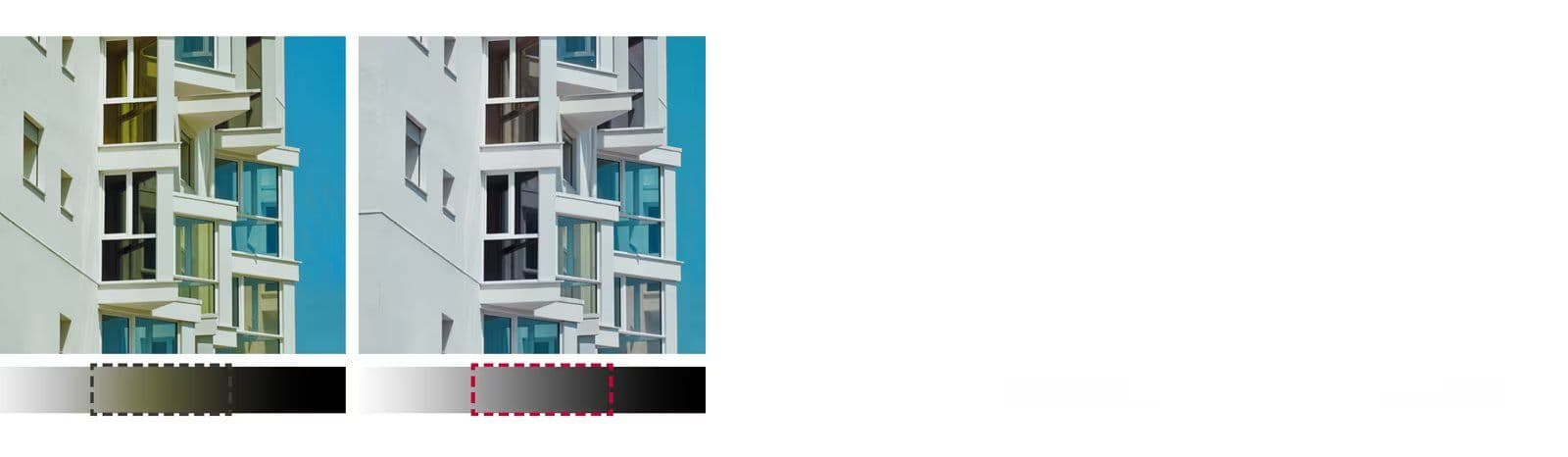
Gamma Adjustment

Gamma adjustment can be made manually from 0 to 1023 to calibrate RGB and fix errors.
Gamma Adjustment

Gamma Adjustment

Gamma adjustment can be made manually from 0 to 1023 to calibrate RGB and fix errors.

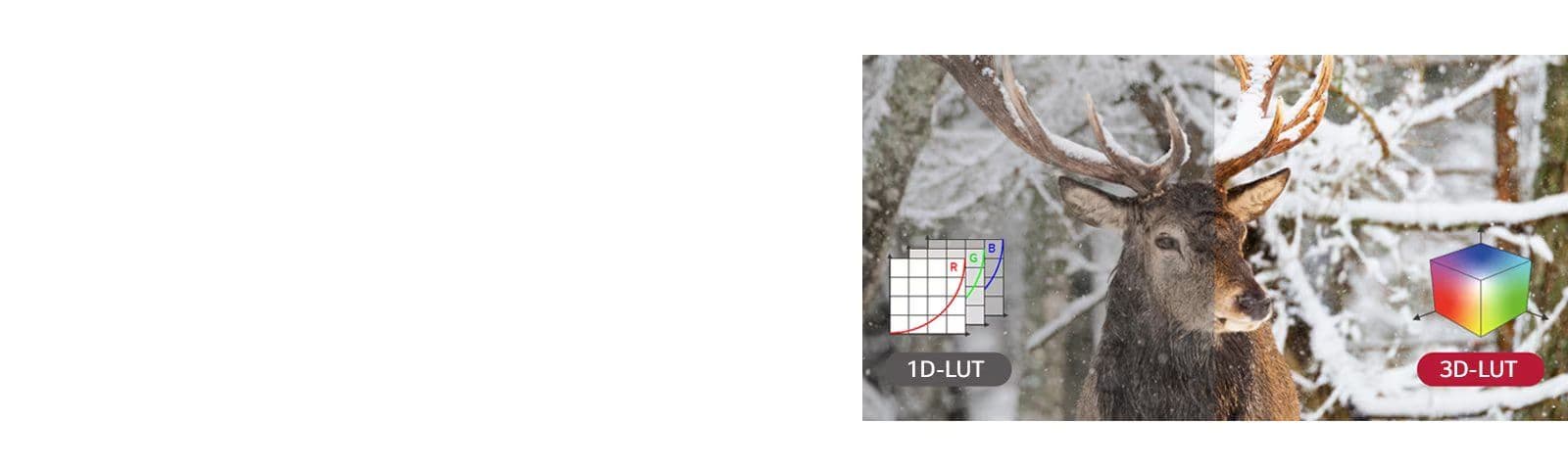
Custom 3D-LUT

With LED displays supporting customized 3D-LUT, users can achieve their desired colors more accurately.
Custom 3D-LUT

Custom 3D-LUT

With LED displays supporting customized 3D-LUT, users can achieve their desired colors more accurately.

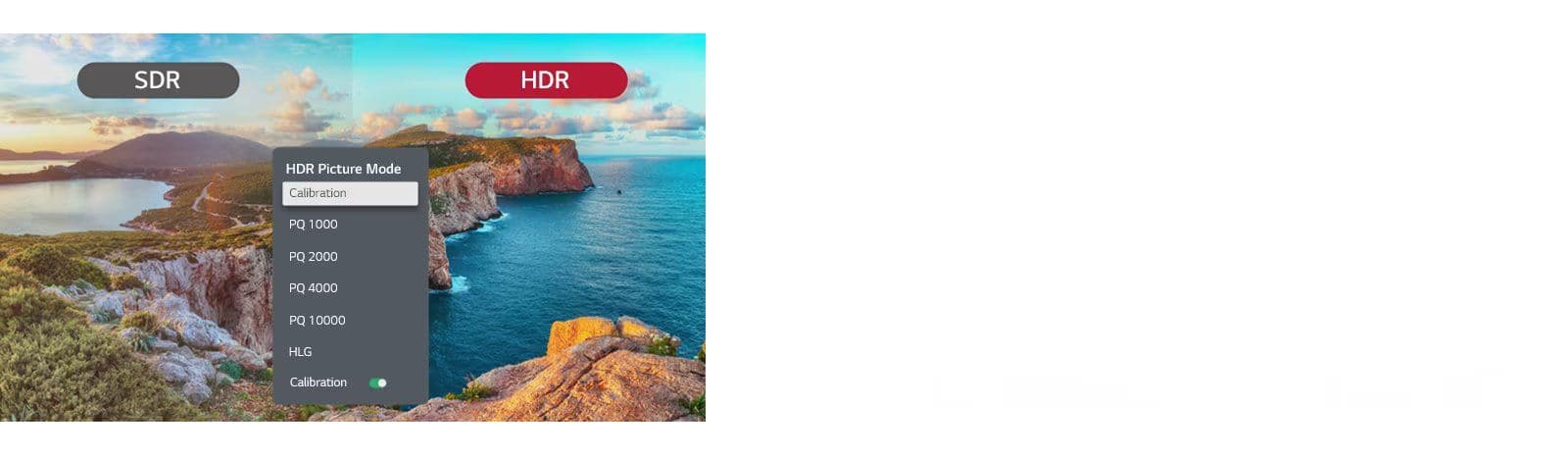
HDR Manual Adjustment

Although HDR metadata is not transferred from recorded video, accurate tone-mapping can be made with this HDR manual adjustment feature.
HDR Manual Adjustment

HDR Manual Adjustment

Although HDR metadata is not transferred from recorded video, accurate tone-mapping can be made with this HDR manual adjustment feature.

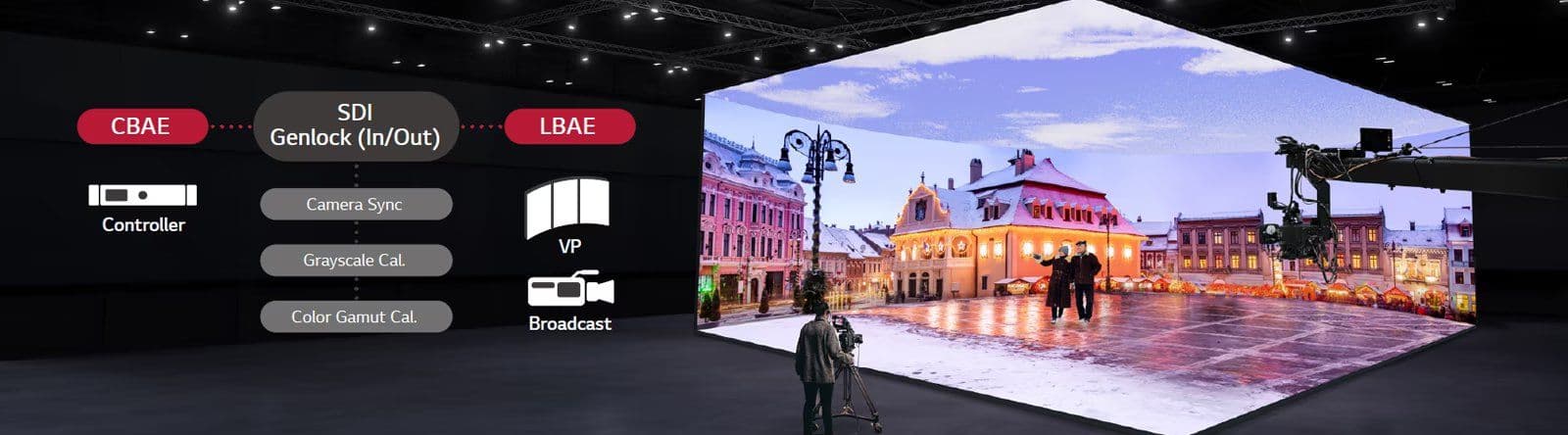
Broadcast VP Controller

LBAE series is compatible with the CBAE controller, and the CBAE controller’s SDI and Genlock (in/out) interfaces support unique features of broadcast and virtual production.
Banner Image

Pixel Configuration

3 in 1 SMD

Pixel Pitch(mm)

2.6


Module Resolution (WxH)

96x96

Module Dimensions(WxH,mm)

250x250


Weight per Module (kg)

0.59

No. of Modules per Unit Case (WxH)

2x2


Unit Case Resolution (WxH)

192x192

Unit Case Dimensions (W x H x D, mm)

500x500x75.5


Unit Case Surface Area (m²)

0.25

Weight per Unit Case (kg/unit)

6


Weight per Square Meter (kg/m²)

24

Physical Pixel Density (pixels/m²)

147,456


Flatness of Unit Case (mm)

±0.15

Unit Case Material

Die casting Magnesium alloy


Service Access

Front or Rear (select one only)

Max. Brightness (After Calibration)

1,500 (Peak 2,000)

Color Temperature (K)

3500-9000K(default:6500K)


Visual Viewing Angle (Horizontal)

160

Visual Viewing Angle (Vertical)

160


Brightness Uniformity

97%

Color Uniformity

±0.003CxCy


Contrast Ratio

5,000

Processing Depth (bit)

16

Power Consumption (W/Unit, Max.)

180

Power Consumption (W/Unit, Avg.)

60


Power Consumption (W/m², Max.)

720

Power Supply (V)

100 to 240


Frame Rate (Hz)

50 / 60

Refresh Rate (Hz)

7,680

Lifetime (Half brightness)

100,000

Operating Temperature(℃)

-10∘to +45∘


Operating Humidity

0~80%RH

IP Rating Front / Rear

IP30